
Electrician Invoicing Software: The Tailgate Test
Electrician invoicing software compared: Joist, Jobber, Housecall Pro, QuickBooks. Why the invoice should leave the driveway before the truck does.
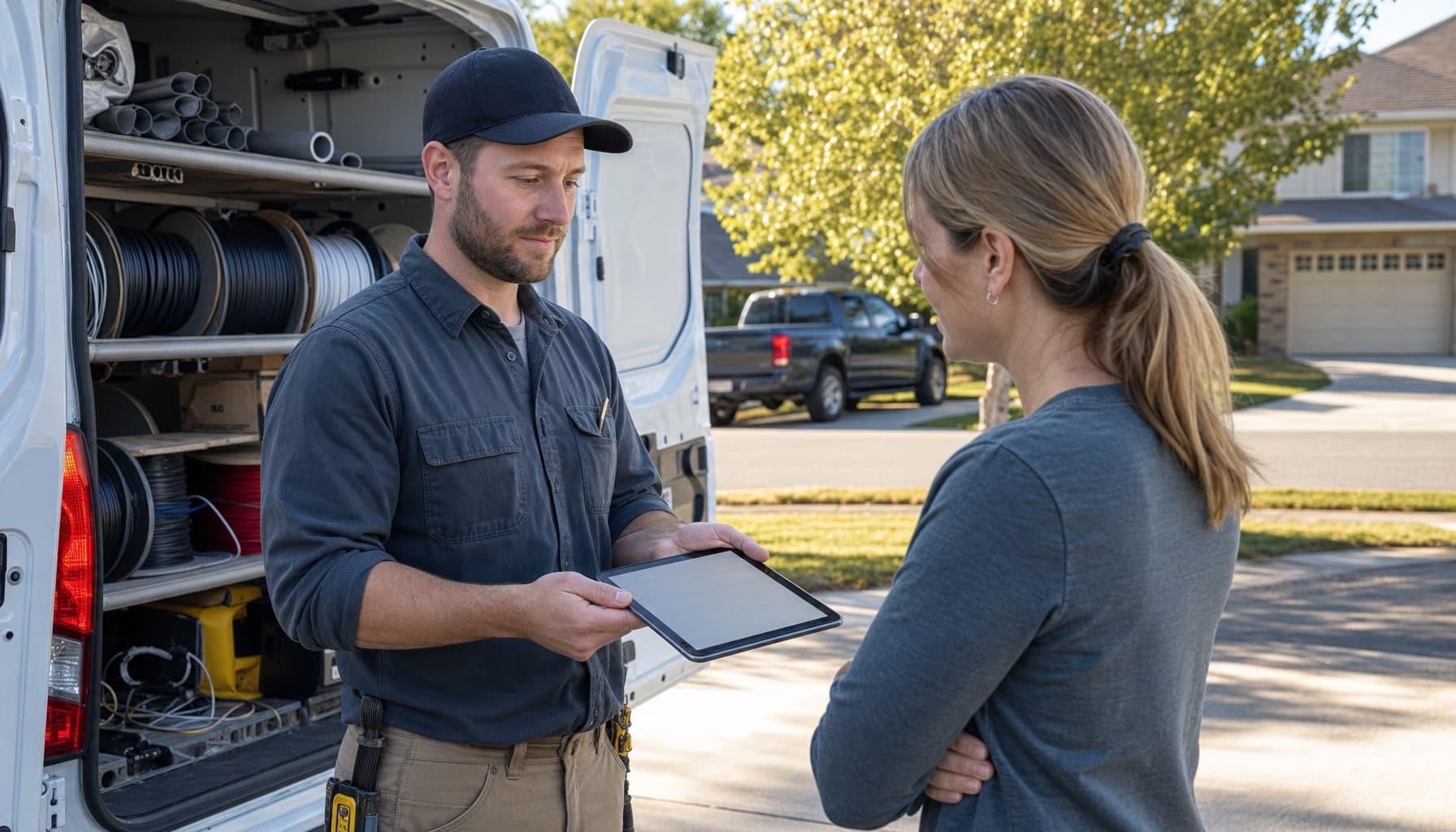
The job wrapped at 4:30. The homeowner got a new 200 amp panel, the inspector signed off, and the invoice went out the following Tuesday, typed at the kitchen table from a wrinkled T&M ticket that spent five days behind the truck seat. Every electrician knows this invoice. Half the trade still writes it.
Type electrician invoicing software into a search bar and you mostly get two kinds of product: invoice generators wearing an electrician landing page, built to make a clean PDF and take a card, and full field service platforms that treat invoicing as one tab among twelve. The lists comparing them skip the question that actually decides it: who is producing the invoice, and where are they standing when they do?
What electrician invoicing software actually has to handle
Electrical billing is messier than a blank line-item grid. A service call might be flat rate or T&M depending on the customer and on what turned up inside the wall. Materials come by the foot and by the box, and most shops mark them up, so the tool needs a cost and a sell price, not one field. A panel change carries a permit fee that passes straight through. Bigger work means a deposit up front and progress payments along the way, because nobody floats a $4,000 service upgrade to net-30 and enjoys it.
A generic invoice app can be bent around all of that. Plenty of one-truck shops do exactly that and get paid fine. But every workaround puts a human between the finished job and the finished invoice, and that human is usually the owner, at night, transcribing.
So run the tailgate test before you compare anything else: can the tech standing in the driveway hand over the finished invoice, materials and markup and permit fee included, before the truck pulls away? We made the case for why that single habit moves cash faster than anything else in our DSO guide for trades shops. The short version is that the customer who just watched you restore power is the most willing payer you will ever meet, and every day after that they cool off.
The electrician invoicing software shortlist, with prices
Ask working electricians instead of Google and the answers get unglamorous fast. On the Mike Holt forum the same names repeat: QuickBooks, Wave because it is free, an old copy of a bidding program pressed into invoice duty. Nothing wrong with any of them. QuickBooks is a fine ledger. It just knows nothing about the job, so someone still retypes the ticket into it, and the ledger cannot chase a customer who has not paid.
The purpose-built generators fix the paperwork, not the chasing. Joist is the common one, and it is cheap: the Basics plan runs $8.34 a month on annual billing but caps you at five documents a month, which a service shop burns through in a week. Pro at $14.17 lifts the cap. The old free plan is gone, replaced by a 14-day trial. For a side-work operation Joist is honestly enough. It makes a professional invoice and takes a payment. It just has no idea which house it is standing in.
The field platforms know the house. Read their plan grids before you sign, though, because invoicing and getting paid are not always on the same tier. On Jobber's current pricing, invoicing itself is on the entry Core plan at $21 a month annual, $49 monthly. But automatic invoice follow-ups, automatic payments, and the QuickBooks Online sync all sit on Connect, $70 annual or $139 monthly, and every additional user is $29 on top. The parts of invoicing that produce the money arrive one tier after the part that produces the paper.
Housecall Pro plays this specific hand better. The $59 Basic plan includes invoicing with automated payment reminders built in, which is the feature that matters most. The QuickBooks integration still waits at Essentials, $149 a month with five users included.
On processing, the field is close to a wash. Jobber charges 2.9 percent plus 30 cents on cards and 1 percent on ACH. Housecall Pro advertises card rates from 2.59 percent and 1 percent on bank payments. Shave points if you like, but a quarter point on a $600 service call is $1.50.
The expensive part of an invoice is not the processing fee. It is the ten days the ticket sits unsent in a clipboard behind the truck seat.
Reminders are the part that pays for the software
Here is the math that should drive the decision. A shop doing $900,000 a year that averages 45 days to collect is sitting on roughly $112,500 in receivables at any moment. Pull the average to 15 days and that drops to about $37,500. The difference is $75,000 of your own money handed back, and the two levers that move it are invoicing at the tailgate and reminders that go out at day 3, 7, and 14 whether or not anyone remembers.
That second lever is why a free tool often costs the most. Wave will make the invoice. It will not notice that the Hendersons have gone quiet for three weeks, and neither will you, because you are in an attic.
FieldCommerce was built to close the whole loop instead of one segment of it. The tech tells the app what happened on the job, and the AI drafts the invoice from the job record itself: the work performed, the materials logged against it, the quote it started from. Invoicing and payments live in the same system as the schedule and the customer history, reminders run on their own, and the QuickBooks sync is part of the platform rather than a tier upgrade. The pricing is published, every plan, no demo call, so you can compare it against the grids above in about two minutes.
The test stays the same no matter what you pick. Time the gap between the last wire nut and the invoice landing in the customer's inbox. If the answer is days, the software is not doing its job, whatever it costs. See how the driveway version works at FieldCommerce for electrical, or get started and run the tailgate test on your next service call.