
HVAC Invoicing Software That Plays Nice with QuickBooks
HVAC invoicing software with a real QuickBooks sync: what has to carry over, how bad syncs double-count income, and where Jobber and Housecall Pro gate it.
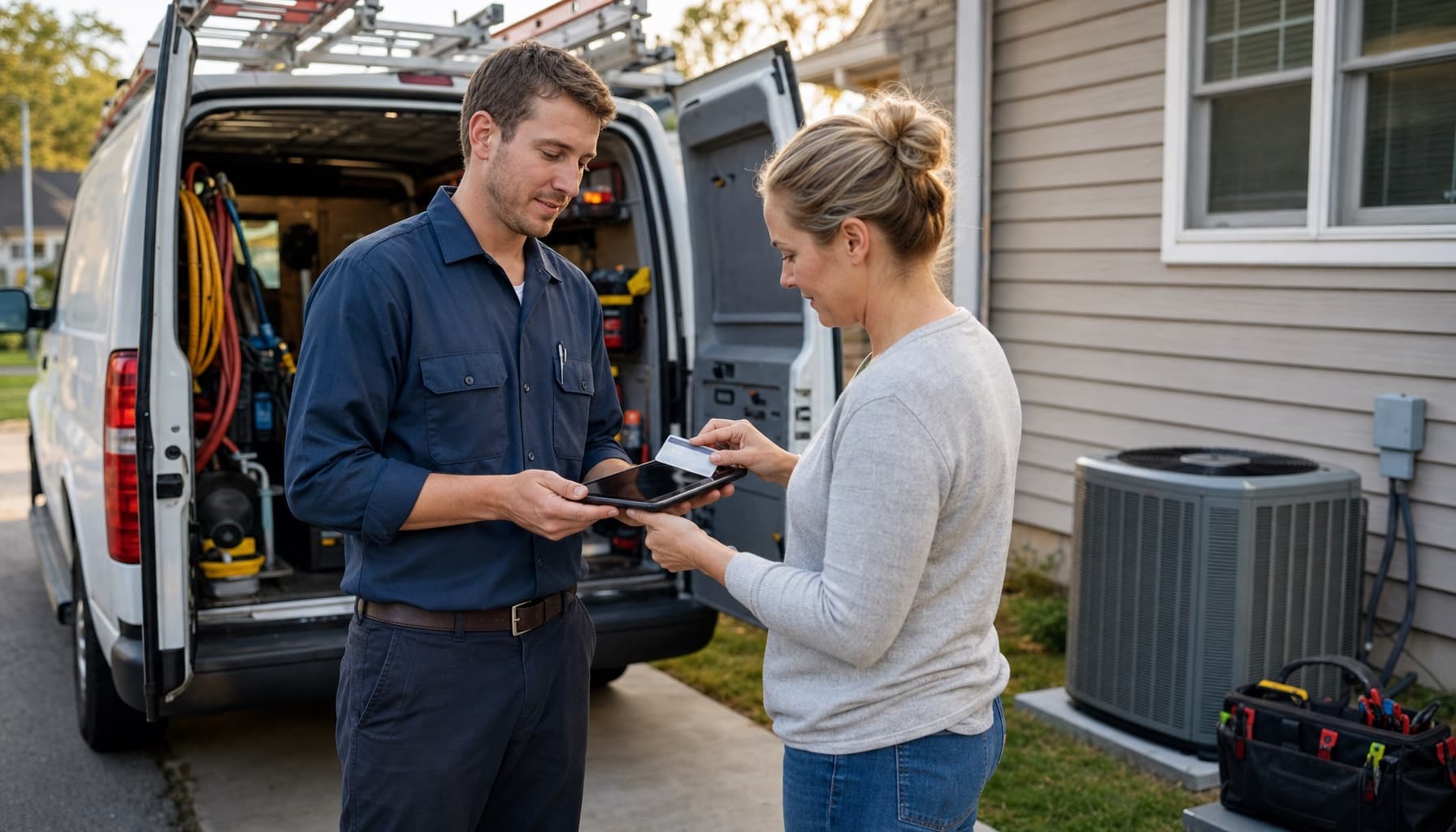
Every app on the comparison chart has the QuickBooks checkbox. Every single one. Which tells you exactly nothing, because the checkbox is not the feature. What crosses over, when it crosses, and what it does to your books when it lands: that is the feature, and it is where HVAC invoicing software earns its keep or quietly wrecks your year-end.
Here is the shop this post is for. The tech finishes a condenser swap Friday afternoon. The invoice gets written Sunday night at the kitchen table, keyed into QuickBooks from a photo of the work order, and if the shop also runs a field app, keyed in there too so the customer record stays current. Two entries, one job. Most owners think that double entry is the problem. It is only the visible half.
Where the books actually go wrong
The invisible half is what a lazy sync does after you buy it.
The classic failure runs through Undeposited Funds. Your field app pushes the invoice and its payment into QuickBooks. Fine. Three days later the card processor's settlement hits your bank feed, and whoever does the books categorizes that deposit as income instead of matching it to the payment already sitting in Undeposited Funds. Now the same $640 repair is income twice. Multiply by a summer of service calls and your P&L is confidently wrong in the expensive direction, because you will pay tax on revenue you earned once and booked twice.
It compounds in small, boring ways. A $400 cash job gets pulled out of a deposit batch to buy parts, and the batch no longer matches the bank. A payment gets received in the app but the deposit step never happens in QuickBooks, so the balance just accumulates. None of this is exotic. It is what accountants spend January untangling, and one field-service bookkeeping guide pegs manual entry error rates at 1 to 4 percent of transactions. On a shop doing $900,000 a year, even the low end of that range is real money sitting in the wrong account.
Retyping invoices costs you evenings. A bad sync costs you a January of forensic bookkeeping. The checkbox on the pricing page does not tell you which one you bought.
What HVAC invoicing software has to push to QuickBooks
Judge any vendor against this list, in order:
- The invoice leaves the driveway, not the office. The tech builds it on-site from the job and the customer pays a link before the truck pulls away. Same-day invoices collect dramatically faster; we ran the full math in the DSO playbook, where cutting collection time from 45 days to 15 handed a $900,000 shop back $75,000 in working cash.
- Line items map to your QuickBooks items. A capacitor should land as a part against the right income account, labor as labor, and the diagnostic fee as its own line. If you price flat-rate, and you should, your repair codes need to map once and stay mapped, not get re-picked from a dropdown per invoice.
- The payment travels with the invoice. Invoice, payment, and the Undeposited Funds entry should post together, so the deposit your bookkeeper matches in the bank feed lines up line for line and the double-income trap never opens.
- Sales tax is calculated once. In one system, flowing to the other. Two systems each doing their own tax math will disagree by pennies forever, and pennies are enough to break reconciliation.
- The sync runs both ways. Your bookkeeper lives in QuickBooks. If an edit there does not flow back, the two systems fork within a month and someone starts keeping a spreadsheet to referee them.
The HVAC invoicing software you can actually buy
Jobber publishes pricing, which deserves the usual credit. But QuickBooks Online sync is not on the $29-a-month Core plan. It starts at Connect, $99 a month billed annually or $139 month to month, and automated invoice follow-ups start there too. The advertised entry price is not the price for a shop that runs QuickBooks, which past the first truck is nearly every shop.
Housecall Pro runs the same play with different numbers. Basic is $59 a month billed annually, and invoicing itself works fine there, with card processing from 2.59 percent. The QuickBooks Online sync arrives on Essentials at $149. So the real comparison is $99 against $149, not $29 against $59.
FieldEdge comes at it from the opposite end: built around QuickBooks from the start, syncing both Desktop and Online in real time, and probably the deepest accounting integration in the category. It also publishes no pricing and sells by demo and sales call, the same enterprise posture as ServiceTitan, which is built and priced for the 30-truck operation with an office manager who owns reconciliation as a job duty. If the person doing your books is you, at 9pm, that posture is the product telling you who it is for.
Invoicing from the truck, books that reconcile
FieldCommerce was built for the shop where the owner is also the bookkeeper's only helper. Invoicing and payments drafts the invoice from what the tech actually logged on the job, flat-rate codes and parts included, and takes the card in the driveway. The QuickBooks sync pushes the invoice and its payment as one linked record, mapped to your items, so deposits match the bank feed instead of fighting it. And the sync comes with the product.
Here is a ten-minute test that costs nothing. Pull last month's bank deposits and match them against QuickBooks. Every deposit you cannot tie to specific invoices is a small hole in your books, and counting the holes tells you whether your current setup is an integration or just a checkbox.
See how the whole loop runs at FieldCommerce for HVAC, or get started and let February's books close themselves.