
What Is HVAC Software? A Plain Answer for Small Shops
What is HVAC software? Three different tools share the name. Here is which one a 1 to 8 truck contractor actually needs, what it does, and what it costs.
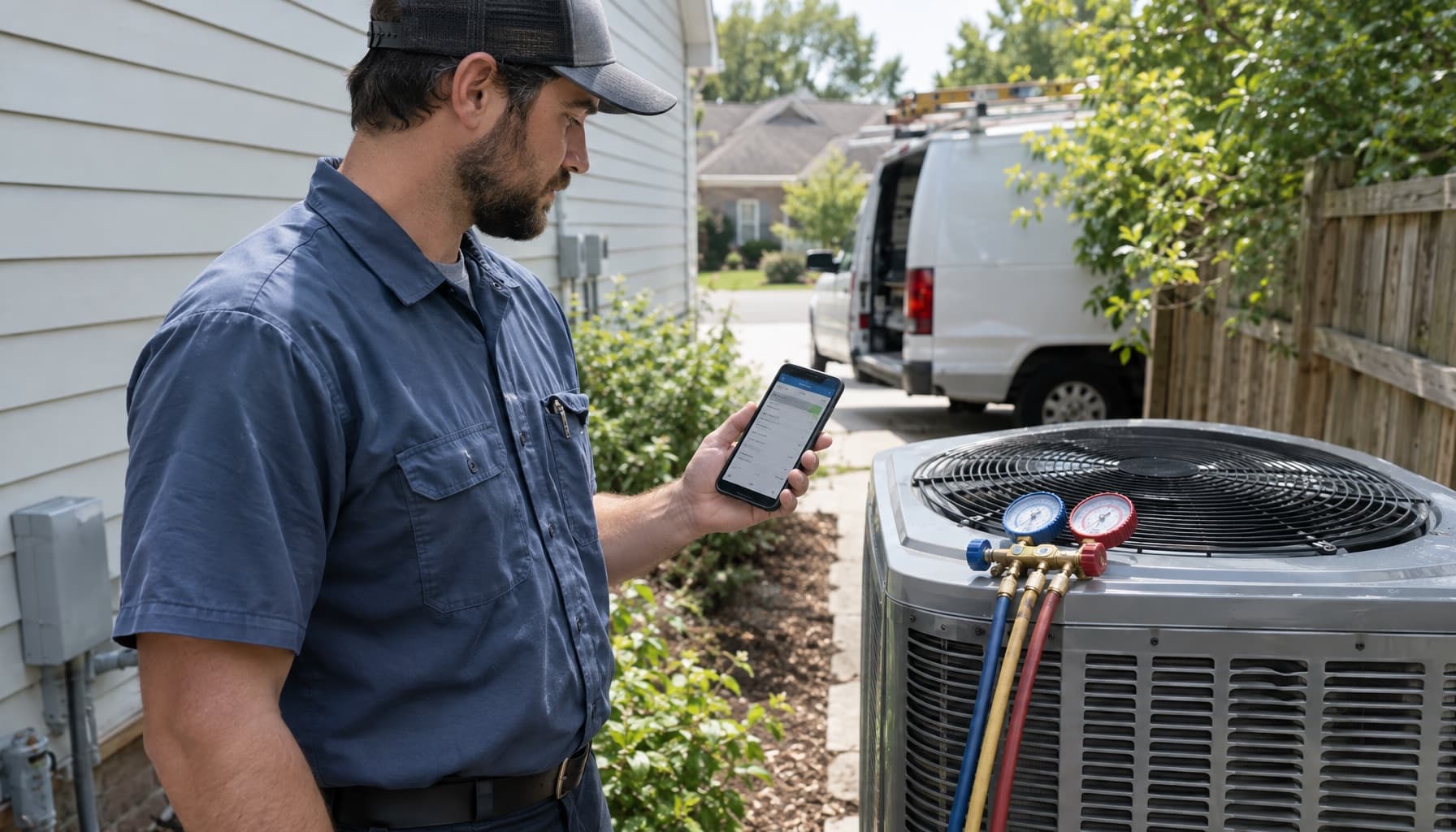
Ask a system designer, a facilities manager, and a guy running four service vans what HVAC software is, and you will get three different answers. All three are right. The name covers at least three separate kinds of product, built for different people, and the search results mix them together without telling you.
If you run a heating and cooling shop, only one of them runs your business. The other two you will bump into anyway, so it helps to know which is which before a sales rep starts talking.
What is HVAC software? Three tools share the name
Design and load calculation software. This is the stuff you use before the equipment goes in. Manual J for the load, Manual D for the duct design, Manual S for picking the unit. ACCA keeps a list of approved programs, and the familiar names are on it: Wrightsoft's Right-J, Elite Software's Rhvac, and Cool Calc, which runs in a browser with nothing to install. It sizes the job. It does not schedule, bill, or remember anything about the customer afterward.
Building maintenance software. Facility teams that manage offices, schools, and apartment buildings use maintenance platforms to schedule preventive work on the air handlers and chillers in their buildings and keep the service history. If you do commercial work, some of your customers already live in one of these. It is their software, not yours. Your work order ends up as a line item in their system.
Field service software for HVAC contractors. This is what most shop owners mean when they type the question. It runs the call from the moment the phone rings to the moment the money lands: booking, dispatch, the ticket on the tech's phone, the estimate, the invoice, the payment, and the tune-up six months later. ServiceTitan, Housecall Pro, FieldEdge, and Jobber all live here, along with a long tail of smaller players.
What HVAC field service software actually does on a call
Skip the feature grid and follow one no-cool call in July.
The phone rings at 2:40. Somebody books it, ideally while the customer is still on the line, and the software puts it on a tech's afternoon based on where he is and what he is already carrying. The tech opens the ticket and sees the history: the 2017 condenser, the capacitor replaced two summers ago, the note that the side gate sticks. He diagnoses it, builds the repair price from the shop's flat-rate book instead of inventing a number on the porch, gets the approval, does the work, and takes payment before he backs out of the driveway. That night the invoice syncs to QuickBooks without anybody retyping it.
Generic field service apps can do most of that for a pressure washing crew too. HVAC asks for more in a few specific places:
- Equipment history per unit. Make, model, serial, and location, tied to every visit. The next tech and the warranty claim both need it.
- Maintenance agreements. A member might pay monthly but get visits twice a year, spring and fall. The software has to track the visits owed, not just the card on file. We broke that problem down in how to track HVAC maintenance jobs and invoices.
- Refrigerant records. On appliances holding 50 or more pounds of ozone-depleting refrigerant, EPA's Section 608 rules require the technician to give the owner an invoice showing how much refrigerant was added, and the owner has to keep those records for three years. A few rooftop accounts and this stops being optional.
- The seasonal swing. July and January are chaos. April and October are quiet unless you fill them with tune-ups. The schedule has to handle both.
A calendar tells you where the truck is going. HVAC software should also tell you what is waiting for it when it gets there.
What it costs, and who it was built for
This is where the categories inside the category split apart.
ServiceTitan does not publish prices. Its pricing page lists three packages, Starter, Essentials, and The Works, each with a "request pricing" button, and says pricing is per technician. The demo form asks how many techs and office staff you have. Those are the questions of a tool built for shops with a dispatcher and a CSR desk.
Housecall Pro publishes everything. Basic is $59 a month billed annually or $79 month to month, for one user. Essentials, $149 annual or $189 monthly, covers five users and adds flat-rate pricing and QuickBooks Online sync. Recurring service plans, the maintenance agreements HVAC shops live on, only show up on Max, $299 a month annual or $329 monthly for eight users. So the HVAC version of Housecall Pro is really the top tier.
Jobber was built for home service crews of every kind, and it makes a clean calendar. What it does not do is much of the thinking. Figuring out which members are owed a visit, or which estimates went cold, is still on you.
That leaves a gap most 1 to 8 truck shops fall into. Too small for enterprise software and the staff it assumes. Too busy for a calendar app that still leaves the owner doing the office work at night.
Do you need it yet?
Honest answer: a one-truck owner with a good notebook and a tight memory can wait a while. Software will not fix a shop that is not busy.
The second truck changes that. Once somebody other than you is on calls, the history in your head is no longer available to the person standing at the unit. These are the signs you are past the notebook:
- Invoices go out the next day because somebody builds them at the kitchen table.
- Nobody can tell you in a minute which agreement customers still need a spring visit.
- A warranty claim stalls because the serial number is on a photo in some tech's camera roll.
If two of those sound familiar, you are paying for software already. You are just paying in evenings. Our QuickBooks buyer's test for HVAC software is a good next read if your books are where the pain shows up first.
Where FieldCommerce fits
FieldCommerce is field service software built for that middle: HVAC shops running 1 to 8 trucks, usually with the owner still on calls. It is AI-first, which in practice means the software does some of the office work instead of just storing it. A tech can talk through the call and get draft invoice lines on the job record to review. The owner gets a morning picture of the day, the overdue invoices, and the follow-ups that are going cold. Recurring contracts keep the billing clock and the tune-up clock on the same agreement, and invoices sync to QuickBooks Online.
It does not do Manual J. Keep your load calc tool. It also does not need a dispatcher to run it.
See how a service call runs at FieldCommerce for HVAC, or get started and put this week's calls through it before the fall rush on heating starts.