
How to Track HVAC Maintenance Jobs and Invoices
How to track HVAC maintenance jobs and invoices when the billing runs monthly but the tune-ups run twice a year. A simple ledger that catches owed visits.
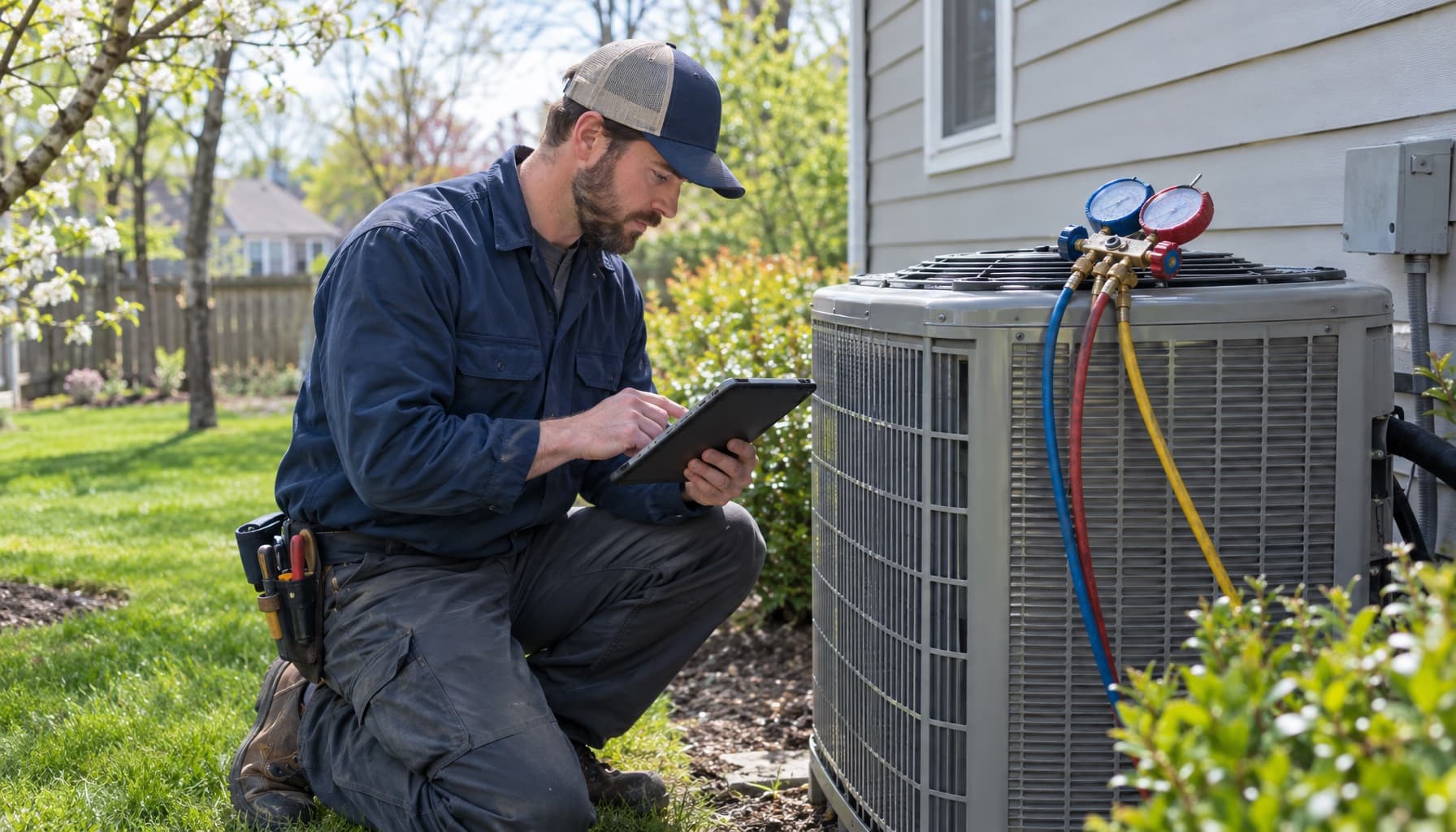
A maintenance agreement is a promise with two clocks on it. One clock bills the customer, maybe monthly, maybe once a year. The other clock sends a truck, usually twice a year, spring for cooling and fall for heating. The trouble starts because those clocks never tick together, and most small shops track only one of them.
Usually it's the money. The card gets charged, QuickBooks shows the deposit, and everyone feels fine. Meanwhile 60 members are owed a spring tune-up that nobody scheduled, and you find out in August when one of them calls with a dead condenser and asks why nobody came out in April.
Why HVAC maintenance jobs and invoices drift apart
On a normal service call, the job and the invoice are one event. Tech shows up, fixes it, bills it, done. Agreements break that. The customer might pay $20 a month in January, get nothing in February, get a tune-up in April, pay again in May, and call you for a repair in July that gets a member discount. Five money events, two visits, one repair, and a discount rule, all hanging off one contract.
Industry guides put basic residential plans around $150 to $300 a year for two visits, with the fancier tiers adding 10 to 20 percent off repair labor and a reduced diagnostic fee. That discount is the part that disappears first. The tech is on the roof, the customer mentions they are a member, and nobody on the truck can see whether that is true or whether the card declined in March.
So "tracking" is really three questions, and you need to be able to answer each one for every member in under a minute:
- What visits does this customer have left this term, and are they on the schedule?
- Is the billing current, and when does the agreement renew?
- Did the last repair invoice get the member pricing it was supposed to get?
If your system can only answer the second one, you are running a subscription business, not a maintenance program.
How to track HVAC maintenance jobs: the visit ledger
If you are still on a spreadsheet, fine. Plenty of good shops start there. But lay it out as a ledger of visits owed, not a list of customers. One row per member per term, with these columns:
- Agreement start date and renewal date
- Equipment covered (make, model, serial, location)
- Visits included this term
- Spring visit: scheduled date, completed date, ticket number
- Fall visit: scheduled date, completed date, ticket number
- Billing type (monthly card, annual prepaid) and last successful charge
- Open findings from the last tune-up
That last column is the one people skip, and it's where the repair revenue lives. A tune-up that finds a weak capacitor or a dirty evaporator coil should leave a quote behind, attached to the member, with a date. If the finding only lives in the tech's notes on a paper work order, it dies there. We wrote about getting off paper in HVAC work order software.
Sort the sheet by "spring visit completed" blank. That's your owed list. In March it should be long. By the end of May it should be empty, or close.
Tracking the invoices: billing cadence is not service cadence
Here is the mistake that bites shops at renewal time. A member who prepaid $240 in January has paid you for two visits you have not done yet. That money is not really yours until the trucks roll. If you spend it like it's earned and then skip the fall visit, you have taken money for nothing, and that customer knows it.
So keep the invoices for an agreement in three piles, not one:
- Agreement billing. The monthly or annual charge itself. Track it by member, with the date of the last successful charge. A declined card that nobody catches quietly kills the plan.
- Visit tickets. The tune-up itself usually bills zero, because it's covered. Close it out as a real ticket anyway, with a $0 line showing the covered service. That ticket is your proof the visit happened.
- Repair invoices. Anything found on the tune-up or a later call, billed with the member discount applied and visible as its own line.
A $0 tune-up ticket looks like paperwork for nothing. It is the only receipt you have that you kept your end of the deal.
Renewals are where this all pays off. One benchmark cited in pricing guides: plans on auto-pay or auto-renew hold 80 percent or better, while manual annual renewal drops to 40 to 50 percent. The math is simple. Renewal rate is agreements renewed divided by agreements that came up for renewal. Forty came due, thirty-two renewed, that's 80 percent. A renewal call goes a lot better when you can say "we were out April 12 and October 3, and we caught that capacitor before it failed" than when you are guessing.
The deeper case for agreements, including how to price and sell them, is in our HVAC maintenance agreements playbook.
What the usual software does with this
Jobber handles recurring work through recurring jobs. You pick per-visit or fixed-price invoicing and a schedule, like monthly on the last day or after each visit. Mostly that schedule creates invoice reminders, not invoices; with automatic payments on, it will build the invoice and run the card for you. It works, but it thinks in jobs and visits. The renewal and the member discount on a separate repair are yours to remember.
Housecall Pro has proper recurring service plans with auto-billing and auto-scheduling. They sit on Max, $299 a month billed annually, per its pricing page. Basic and Essentials do not include them. If agreements are the heart of your year, price it at Max from day one.
ServiceTitan has a memberships module, built for shops with a CSR team and a dedicated person running the membership list. For a 1 to 8 truck shop, that's a lot of software to answer three questions.
Where FieldCommerce fits
FieldCommerce keeps the agreement, the visits it owes, and every invoice it produces on one customer record. Recurring contracts set the visit cadence and the billing cadence separately, so a monthly card charge and a twice-a-year tune-up live on the same contract without anyone reconciling them by hand. Upcoming visits get planned from the contract instead of a spreadsheet, and lapses and renewals surface before they turn into lost members.
Because the tune-up ticket, the repair invoice, and the agreement share a record, the tech on the roof is looking at the same history the office is. That's what you want to pull up when the renewal date comes around.
Try the test this week. Pull ten members at random and answer the three questions for each without calling anyone. If you get stuck on more than two, the program is running on memory.
See how the full maintenance loop works at FieldCommerce for HVAC, or get started and load your member list before spring tune-ups start.