
HVAC Job Management Software: The Jobs Between Visits
HVAC job management software is judged on the jobs not on today's board: parts on order, open quotes, go-backs. What to test before a 1 to 8 truck shop buys.
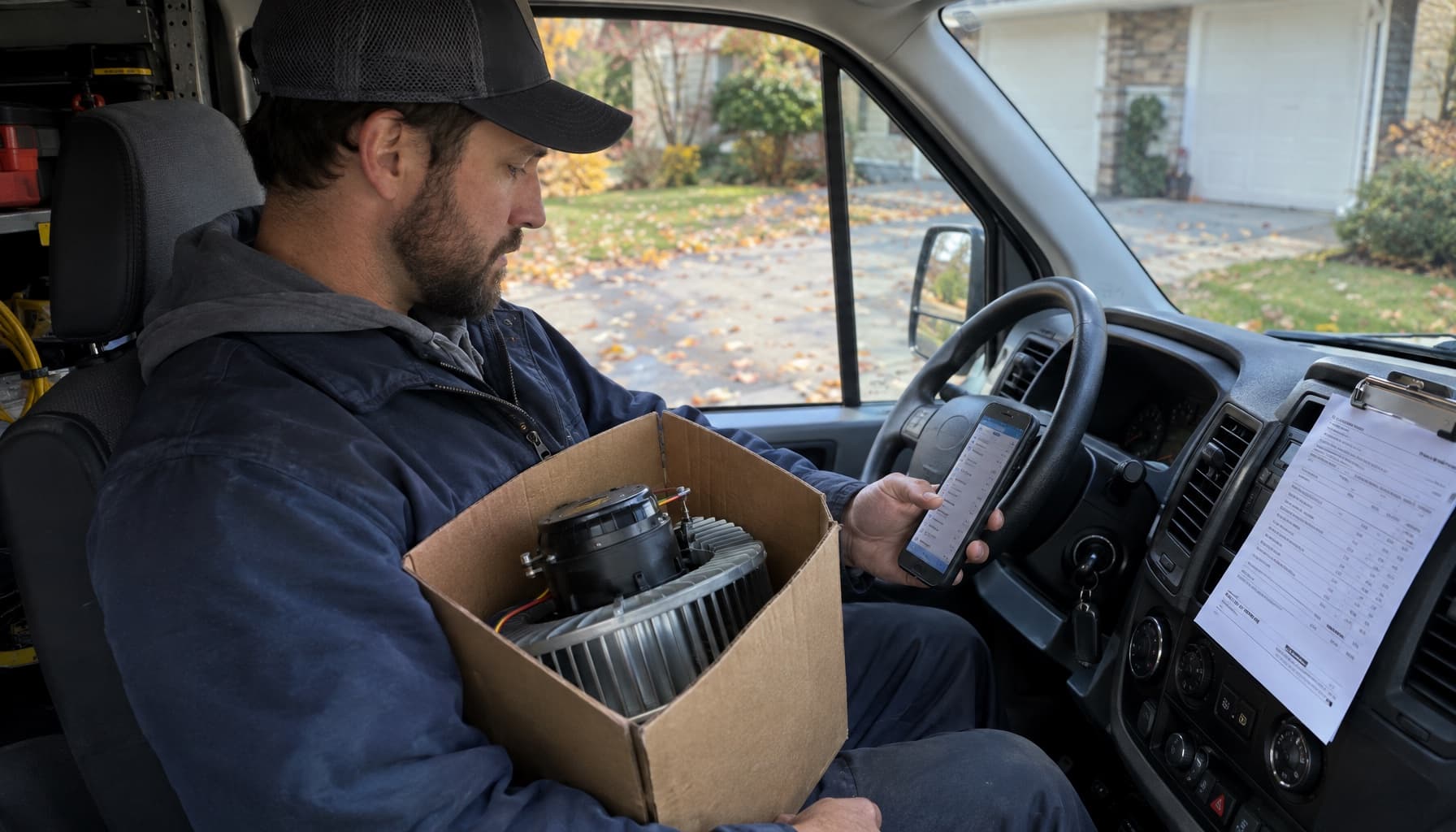
Today's calls are easy to manage. They are on the board, the techs are driving to them, and the customer will call you if nobody shows. The job that gets lost is the one with no appointment on it: the blower motor on order from the supply house, the condenser quote the homeowner wanted to sleep on, the go-back for a drain line that started dripping again.
Those jobs have no truck and no time slot. They sit in somebody's head or on a sticky note by the phone until the customer calls to ask what happened. That in-between state is where a small shop's job management actually lives, and it's the part most software demos skip.
What HVAC job management software should actually manage
Plenty of pages treat job management as the whole business system. It isn't. Running the business covers the agreements, the books, the marketing, and the payroll; we covered that side in HVAC management software. Job management is narrower. It follows one job from the phone call to the paid invoice, and every stop in between.
On a clean no-cool call, that path is short. Booked, dispatched, diagnosed, repaired, invoiced, paid. One visit. The ticket opens and closes the same afternoon.
The trouble is how many HVAC jobs are not clean. The tech diagnoses a failed ECM motor that isn't on the truck. The furnace needs a board the distributor has to pull from another branch. The replacement quote goes out and the customer goes quiet. A week later a repair from last Tuesday comes back as a callback. Every one of those is a job that is open but not scheduled, and the software has to hold it somewhere you will see it.
The four states where HVAC jobs go missing
If you only fix one thing about how your shop tracks work, make it this: every open job should be in exactly one of these states, and you should be able to list each pile in under a minute.
- Waiting on parts. Diagnosed, customer approved, part ordered. Nobody can schedule the return until the part lands. This is the most common way a job falls off, because the only reminder is the supply house calling, and sometimes they don't.
- Waiting on the customer. Quote sent for the repair or the changeout, no answer yet. Cold quotes are quiet money. Nobody chases them because nothing forces the question.
- Go-back. The job was "done" and now it isn't. Tie the return visit to the original ticket so you can see which tech, which unit, and what was replaced. A go-back logged as a brand new job hides the pattern you need to see.
- Done but not billed. The work is finished and the invoice isn't. This is the one that stings at month end, because the cost is already spent.
If the only place a job exists is on the calendar, then a job without an appointment does not exist at all.
That line is the whole test. A calendar app is organized around appointments. Job management is organized around jobs, which is a different thing any time the work takes more than one trip.
How the familiar names handle the in-between
This is where reading the help docs tells you more than the feature pages.
ServiceTitan has a real answer. You can place a job on hold, pick a hold reason like waiting for parts or a permit, and the held appointments sit at the bottom of the dispatch board. Its own help article adds a telling piece of advice: schedule a report for all your held jobs so you don't forget about them. It's also a hint about who the product assumes is reading reports every morning, which is a dispatcher or a CSR. A shop with three trucks and an owner on calls usually doesn't have that person.
Jobber thinks in jobs and visits. A job with no upcoming visits drops into a status called Action Required, which its help center describes as still active with no more upcoming visits, a prompt to either schedule more or close it out. There's also Requires Invoicing, which catches the done but not billed pile. What Action Required doesn't tell you is why the job stalled. Waiting on a part and waiting on a customer look the same.
Housecall Pro has a Pipeline view with a Jobs board. Out of the box its stages run Unscheduled, Scheduled, In Progress, Completed, Invoice Sent, Invoice Paid. You can add your own columns and statuses, so a "parts ordered" column is possible, but you build it and then someone has to move cards into it.
ServiceM8, which ranks for this exact search, prices by job volume. Its US plans run from a free tier with 30 jobs a month up to $349 a month for 1,500 or more. Worth knowing if your shop splits multi-trip work into separate jobs, since every split counts against the allowance.
Each one gives you a place to park a stalled job. The gap is who notices the parking lot.
A Friday afternoon test before you buy
Skip the demo script and bring your own list. Pull five real jobs from the last month that took more than one trip, then ask the rep to show you, on screen:
- Where a diagnosed job sits while the part is on order, and how the office finds out it arrived.
- How a quote that hasn't been answered in a week gets surfaced without anyone running a report.
- Whether a go-back links to the original ticket, tech, and equipment.
- What the owner sees Monday morning without clicking into anything.
If the honest answer to most of those is "you'd set up a filter for that," the software is storing your jobs, not managing them. That can still be fine for a one-truck shop. By the third truck, the owner can't be the filter.
The ticket itself matters too. If your techs are still on paper, the job record starts out thin no matter what the office uses, which is why we'd start with HVAC work order software before worrying about statuses.
Where FieldCommerce fits
FieldCommerce is built for HVAC shops running 1 to 8 trucks, usually with the owner still on calls. The job, its visits, the quote, and the invoice live on one record, and the scheduling board is where the day gets laid out and moved around.
The part that matters for this post is what happens before the day starts. Because FieldCommerce is AI-first, the owner gets a morning briefing instead of a report to go run: today's schedule, overdue invoices, and the quotes and follow-ups that are going cold. That's the stalled-job pile, handed to you rather than hidden behind a filter. A tech can also talk through a call and get draft invoice lines to review, which shrinks the done but not billed pile before it grows.
It won't order the blower motor for you. It will make it harder to forget you did.
See how a job runs start to finish at FieldCommerce for HVAC, or get started and load this week's open jobs before the first cold snap fills the board.