
FieldCommerce vs Housecall Pro
Housecall Pro leaves QuickBooks sync off its Basic plan, keeps recurring service plans and one-click route optimization for MAX, and sells Tap to Pay and its CSR AI as add-ons. FieldCommerce includes the full platform, the AI features, and white-glove onboarding on every plan, with a 30-day free trial.
The short answer
Housecall Pro saves its best features for its top plan. FieldCommerce puts them on every plan.
Choose FieldCommerce if
- You sell maintenance plans and don't want to pay for MAX to run them
- You want QuickBooks sync and route optimization without moving up a tier
- Your techs should take Tap to Pay without an add-on
- You want 30 days to try it on your own data, not 14
Where FieldCommerce comes out ahead
Both handle the basics. These are the differences that change how your week goes.
What's included
Recurring service plans
QuickBooks Online sync
Route optimization
Tap to Pay
AI that answers and books
Onboarding
Free trial
Both handle the basics
Where they really differ
Recurring revenue without the top plan
Housecall Pro lists Recurring Service Plans on MAX only, so a shop selling maintenance agreements has to buy its biggest plan. FieldCommerce runs monthly, quarterly, and annual contracts on every plan, creating the visits and invoices for you.
The basics aren't upgrades
QuickBooks Online sync starts on Essentials, and one-click route optimization and a dedicated onboarding specialist are MAX-only. On FieldCommerce they come with every plan, including free data import.
Add-ons that stack up
Housecall Pro sells Tap to Pay, CSR AI, Voice, Campaigns, websites, and vehicle GPS as add-ons, mostly without published prices. FieldCommerce includes Tap to Pay with no extra hardware and no add-on fees, and AI Booking with no lead fees.
More time to decide
Housecall Pro's free trial runs 14 days. FieldCommerce gives you 30 days and a real person to import your customers, so you can run a full billing cycle before you decide.
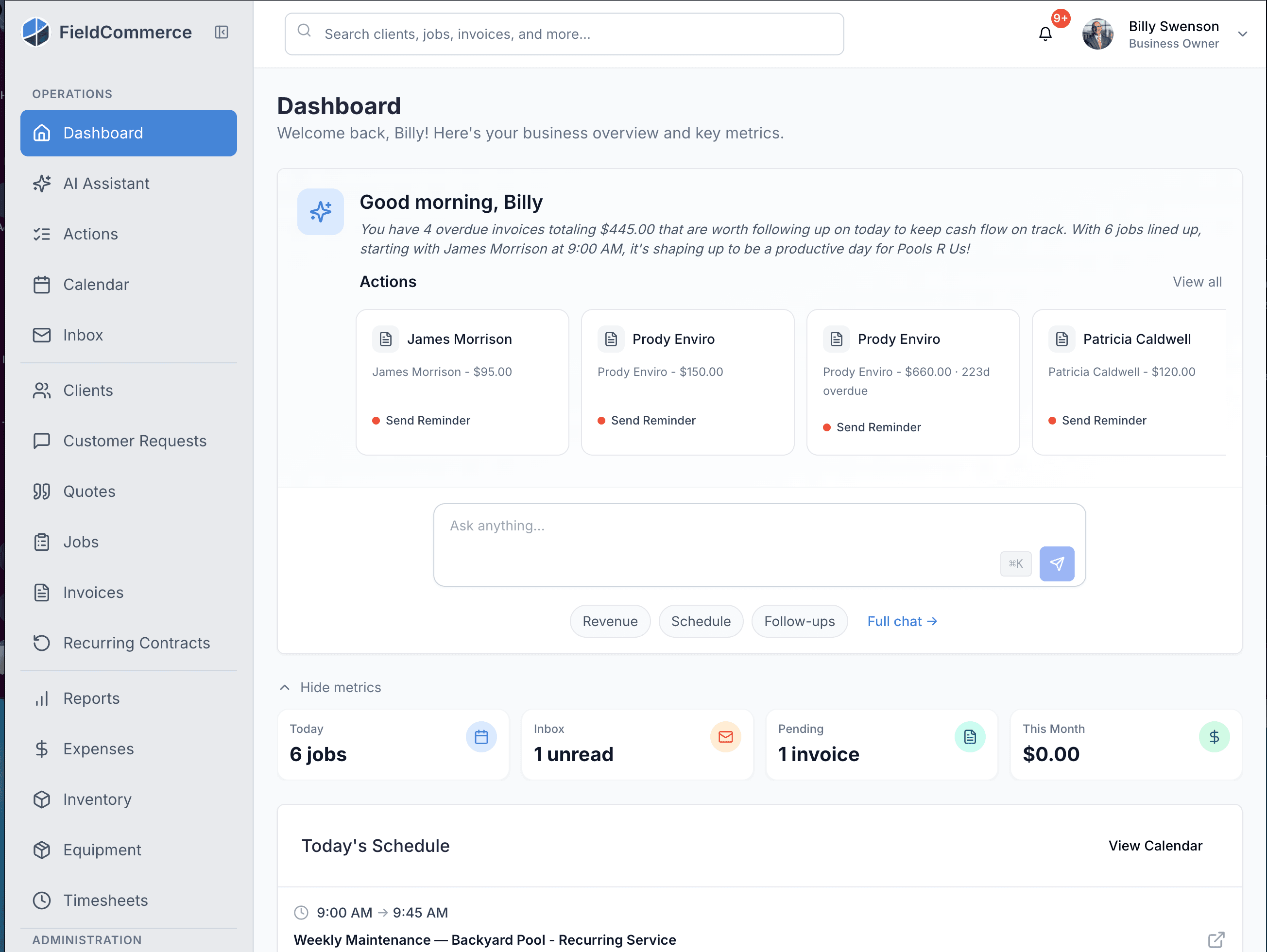
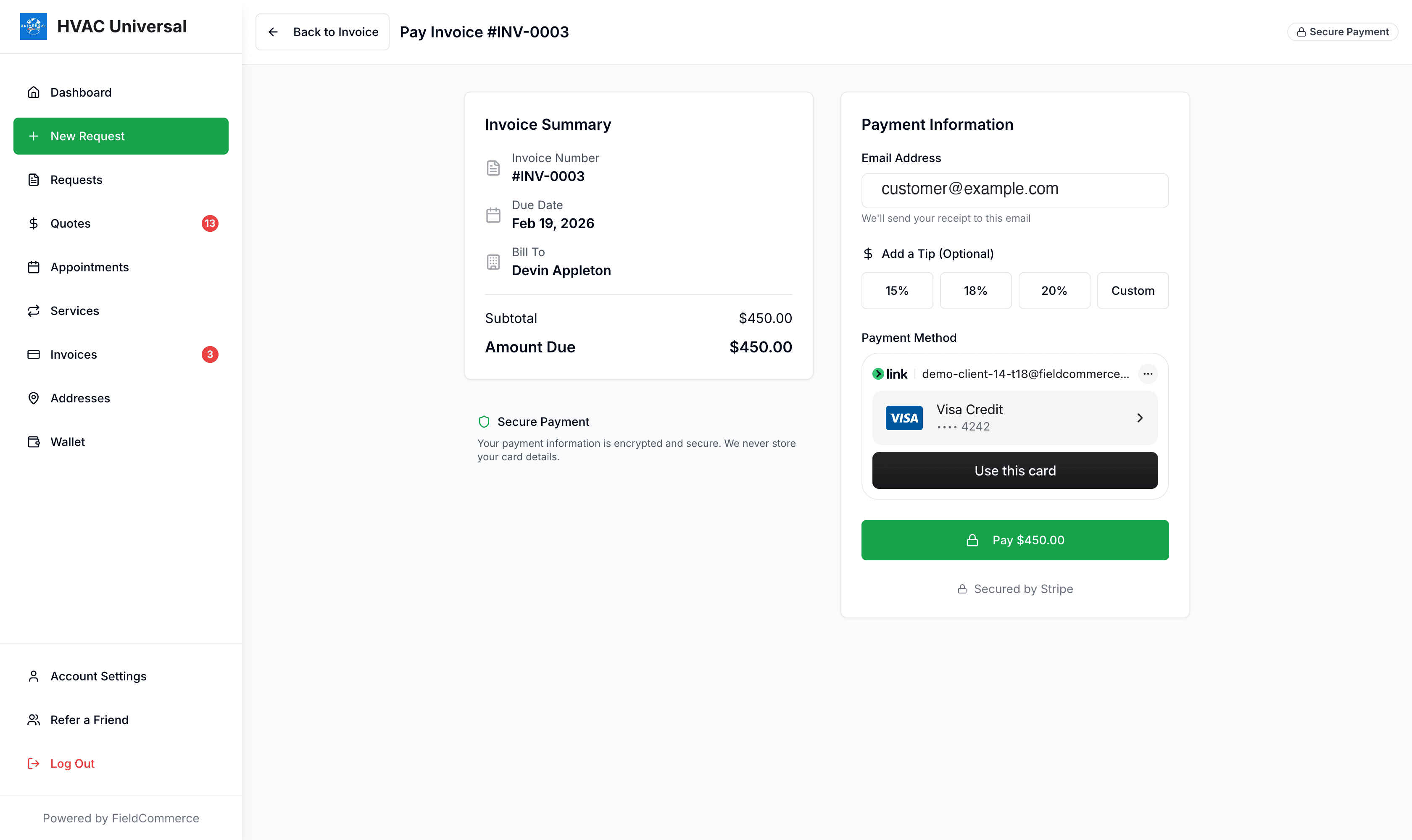
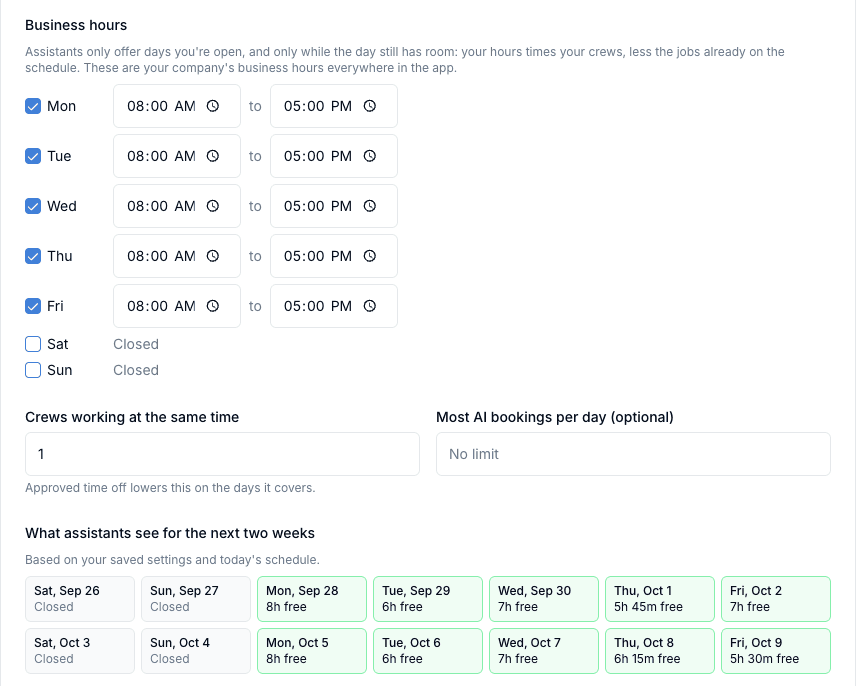
See what comes on every plan
Real screens from FieldCommerce, with nothing extra to unlock.
Switching from Housecall Pro
You do not have to rebuild your customer list by hand.
- 1
We import your data
Send us an export and we bring over your customers, jobs, invoices, and settings for free, with a real person handling the onboarding.
- 2
Connect QuickBooks
Link QuickBooks Online and customers, invoices, and payments sync automatically from then on.
- 3
Run one cycle side by side
Keep your old system read-only for a billing cycle while your techs work from the FieldCommerce app, then switch it off.
- 4
Turn on payments and AI
Give your techs Tap to Pay on their own phones, invite customers to the portal, and switch on AI Booking and the morning briefing.
Frequently Asked Questions
Everything you need to know about switching from Housecall Pro to FieldCommerce
Is FieldCommerce a good Housecall Pro alternative?
Yes, especially if you sell maintenance plans. FieldCommerce includes recurring contracts, QuickBooks Online sync, route optimization, Tap to Pay, AI Booking, and white-glove onboarding on every plan.
Does FieldCommerce charge extra for Tap to Pay or AI?
No. Every plan includes the full platform, the AI features, and free white-glove onboarding. Tap to Pay needs no extra hardware and has no add-on fee.
Can I import from Housecall Pro?
Yes. We provide FREE DATA IMPORT assistance for customers, job history, and settings, with dedicated onboarding support.
Can I run maintenance agreements?
Yes. Recurring contracts create upcoming visits and invoices from one agreement, on every plan.
Does FieldCommerce sync with QuickBooks Online?
Yes, on every plan. Customers, invoices, and payments sync automatically once you connect.
How long is the free trial?
30 days, with free white-glove onboarding. Housecall Pro's trial is 14 days.
Keep reading
Housecall Pro details come from housecallpro.com, including its pricing and payments pages, as of October 2026. Plans and prices change, so confirm anything important with Housecall Pro directly.
Ready to upgrade from Housecall Pro?
Experience the next generation of field service management. See why professionals are choosing FieldCommerce.
✓ Zero downtime migration ✓ Dedicated success manager ✓ No setup fees